Stop Customer Support Requests Falling Through the Cracks
Learn a practical routine for small teams to track customer requests, assign ownership, and ensure timely follow-up, preventing missed communications and improving client satisfaction. This guide outlines how to keep every promise visible and manageable.
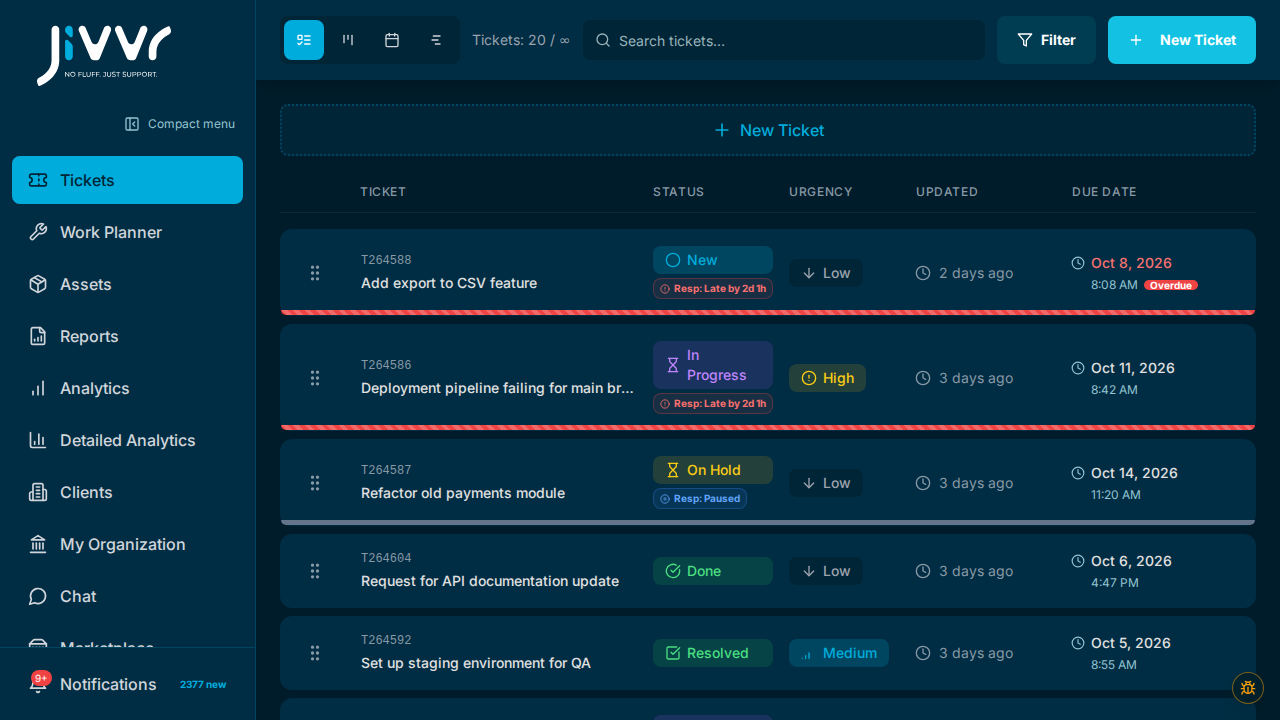
Streamline Your Small Business Support Ticket Management
As a small business or SME, juggling customer requests can feel like a constant balancing act. Without a clear system, urgent queries can get buried, follow-ups are forgotten, and customers feel neglected. This often leads to frustration for both your team and your clients, damaging trust and your reputation. Ensuring every customer promise is kept requires a reliable way to track, assign, and manage support interactions consistently across your team.
The key to preventing customer requests from falling through the cracks is visibility and clear ownership. Every team member needs to know what needs to be done, who is responsible, and what the next action is, all in a single, accessible location.
Put the Simple Support Routine into Practice
Imagine your small team manages website design projects. A client, 'Acme Corp,' emails with a critical bug report affecting their live site. Historically, this might sit in a shared inbox, with multiple team members reading it but no one taking immediate action. With a structured routine, however, the process becomes efficient and transparent for everyone involved. Your team can quickly identify the problem, assign it, and ensure timely resolution, keeping Acme Corp informed every step of the way.
- Capture the request: Convert Acme Corp's email into a 'ticket' in Jivvr, detailing the bug and its impact. This ensures all relevant information is stored centrally.
- Choose an owner: Your operations manager assigns the new 'Acme Corp Bug' ticket to Sarah, your lead developer, who has the expertise to fix it. This creates clear accountability.
- Record the next step: Sarah updates the ticket with 'Investigating server logs' and sets its status to 'In Progress.' This clearly communicates what she's doing.
- Close the loop: Once fixed, Sarah updates the ticket to 'Resolved,' notifies Acme Corp, and closes the ticket. Everyone sees the problem is solved, and the client feels valued.
Adapt the Routine to Your Business Needs
This routine works whether your team is two people or ten. Jivvr allows your team to manage support tickets in a shared list, where each ticket has a status, urgency, and an assignee. This means everyone can see what's happening and who's responsible for what. For a solo business, while you are the sole owner and assignee, capturing requests as tickets still provides a critical to-do list, preventing anything from being forgotten and offering a clear historical record of your client interactions.
How can I start using this routine today?
Begin by committing to centralizing all customer communications, even if it's just email. When an email comes in, immediately create a new ticket for it in your system, then decide on the next concrete action and who will own it. This small change will make a big difference in preventing missed tasks.
How does this work for a solo business owner?
As a solo business owner, you are both the 'owner' and 'assignee' for every ticket. The benefit is maintaining a single, organized list of all customer promises and tasks. This helps you prioritize, remember specific details for each client, and ensures you follow through on every commitment, even when you're managing everything yourself.
When should my team review these next steps?
Hold a brief daily stand-up meeting, perhaps 10-15 minutes, where each team member quickly reviews their assigned tickets and confirms their next steps. This keeps everyone accountable, ensures urgent items are addressed, and allows for re-prioritization or reassignment of tasks as needed. Jivvr's shared ticket management makes this review quick and effective.
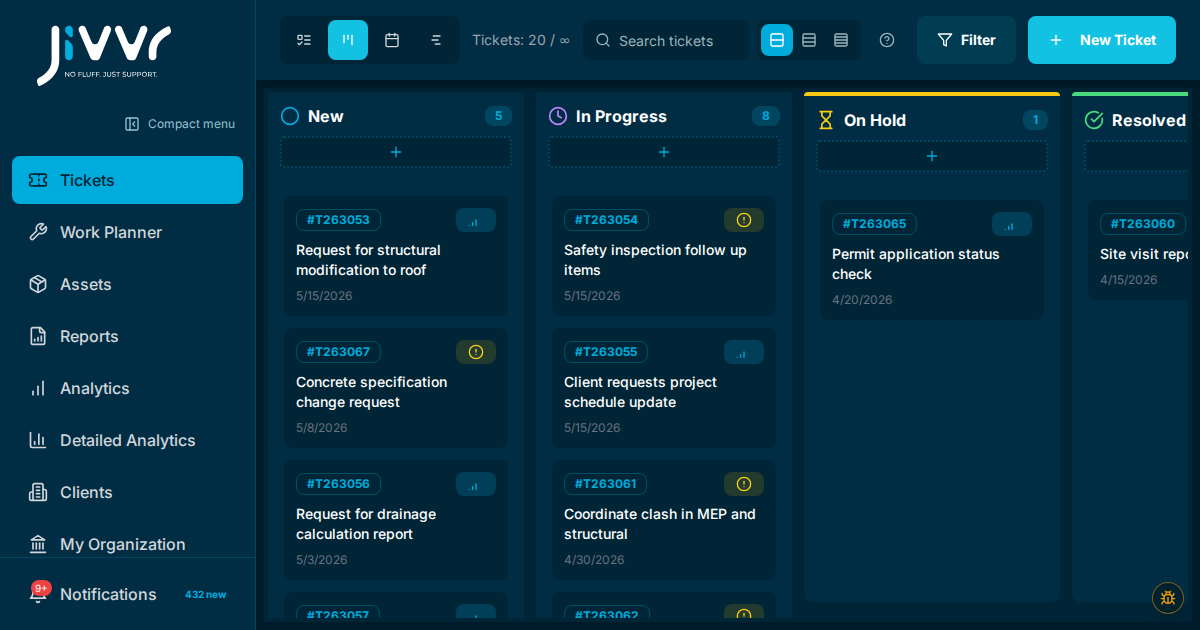
Keep customer requests visible
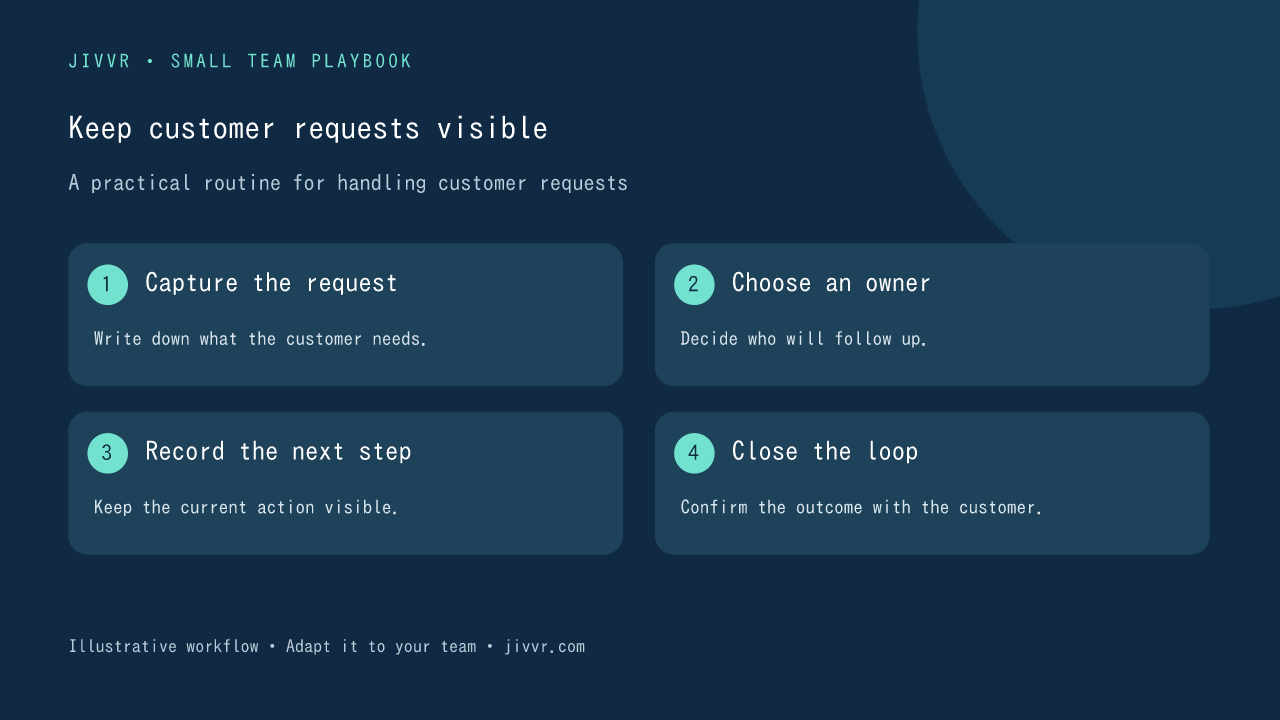
Capture the request. Write down what the customer needs. Choose an owner. Decide who will follow up. Record the next step. Keep the current action visible. Close the loop. Confirm the outcome with the customer.