Free ticket core
Give requests a home, a status and a next step.
Start free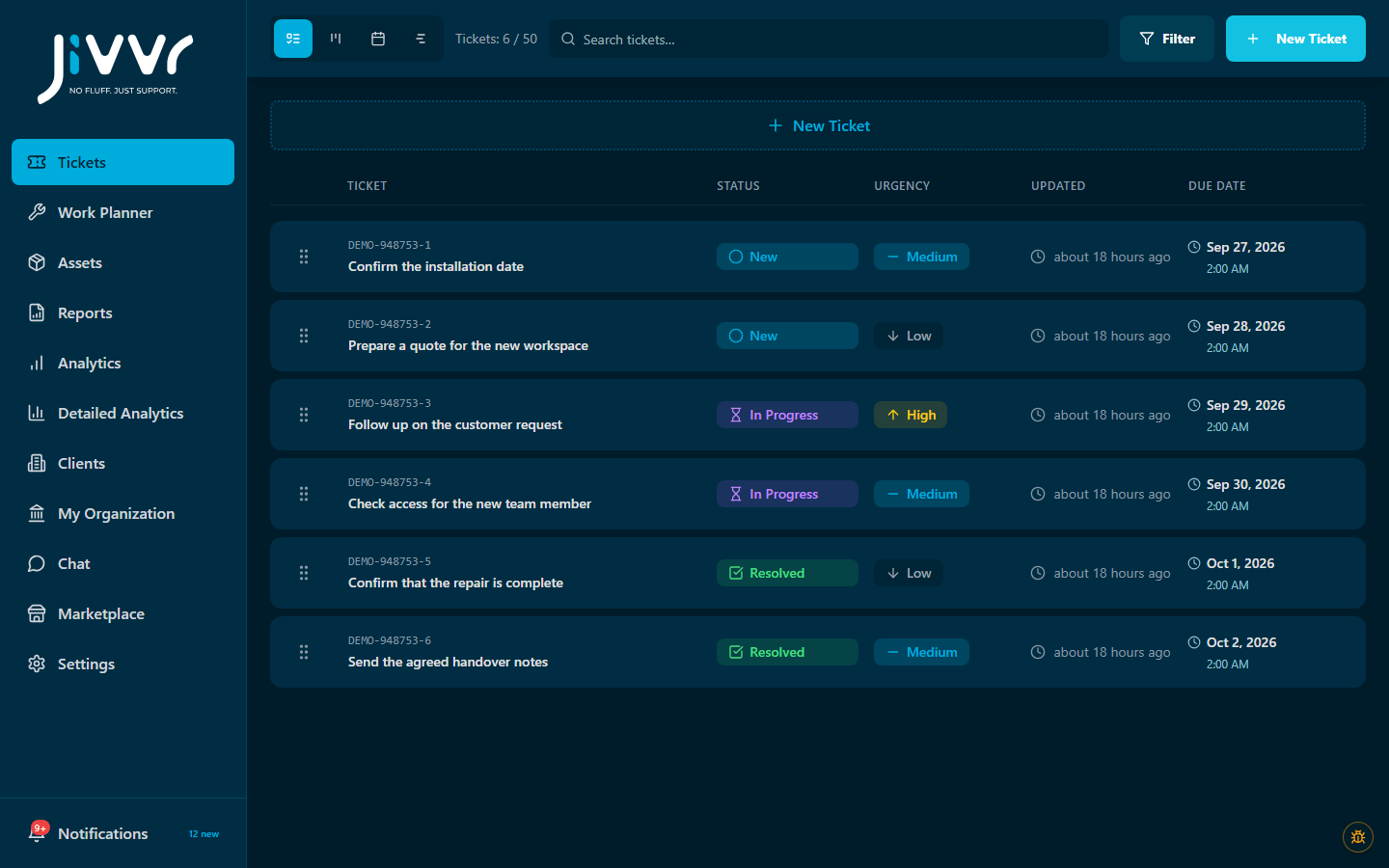
Simple beginnings
Your ticket workspace is the starting point. Add capabilities individually as your needs become clear. Review current prices and billing terms in the marketplace.
Start with the free corePopular add-on · Jivvr AI Autopilot
Answer questions, move tickets forward and resolve routine requests automatically. Your team steps in when human help is needed.
Meet AI Autopilot Watch the walkthrough
Give requests a home, a status and a next step.
Start freeAdd views, equipment context, planning and insight. Each add-on has its own price and terms.
Explore add-ons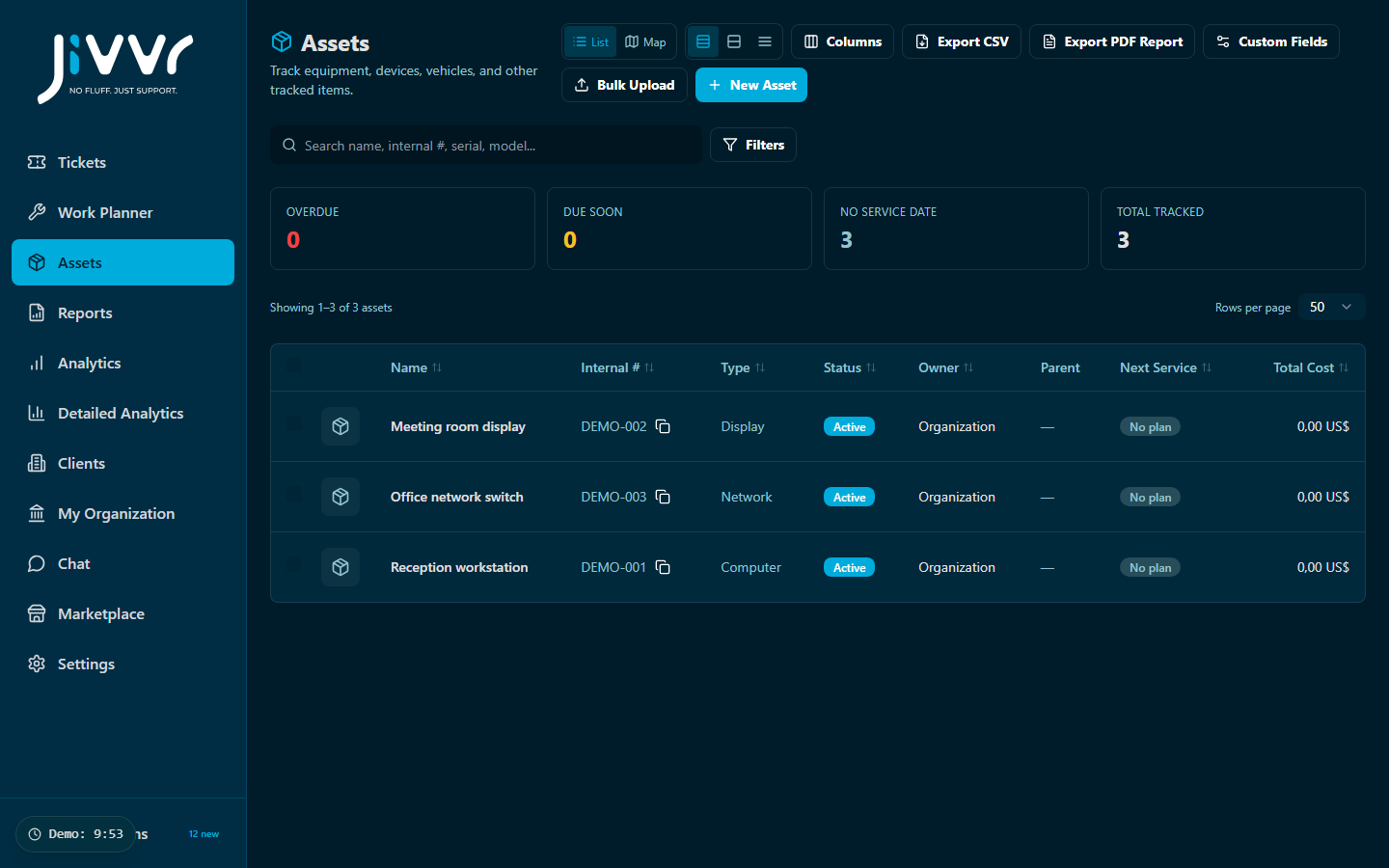
Choose what you want to make easier.
AI chat and approved ticket actions. People step in for exceptions. From $40.83/month, billed yearly at $490; or $49 month-to-month. USD, before tax.
AI AutopilotA different perspective on the queue.
Board Views PackGive support work the equipment context it needs.
Asset ManagementPut the work into a clearer schedule.
Work Planner ProStep back and see where work is building up.
AnalyticsThe essentials before you choose your first extra.
Start with the free ticket core. Optional add-ons extend capabilities or capacity; choose them when you have a need for them.
Each available add-on page shows its current price and billing options. Review the final amount and terms in your workspace before activating.
Yes. Add-ons are selected individually. Some depend on another capability; check the requirements on the add-on page before choosing.
Access and extra capacity depend on your active entitlement and billing terms. Review the cancellation details in your workspace before making a change.