Customer support. A little more together.
Less chasing. More doing.
Good support shouldn’t need detective work. Give every request a home, every issue a next step, and your day a little breathing room.
Let’s get things moving Show me around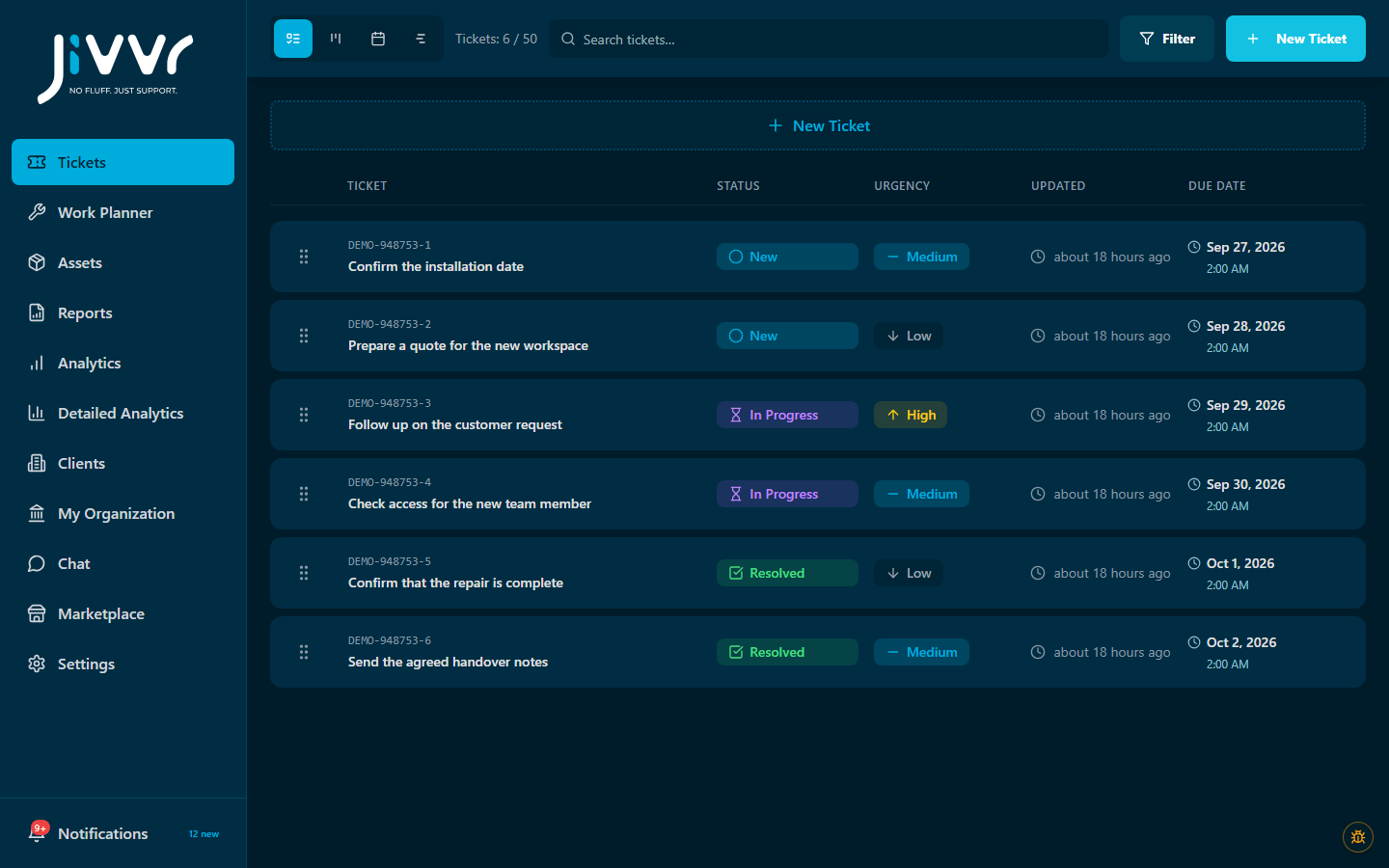
Make the next step clear.
Find your working rhythm.
Popular add-on · Jivvr AI Autopilot
Put routine support on AI Autopilot.
Answer questions, move tickets forward and resolve routine requests automatically. Your team steps in when human help is needed.
Meet AI Autopilot Watch the walkthrough
01 / From request to resolution
Good support has a rhythm.
A request comes in. Someone picks it up. The work moves forward. The loop closes.
Catch the “can you help?”
Put the request and its context in a ticket.
Give it a next step
Choose status, urgency and who is handling it.
Keep it moving
Pick up the work and keep its progress in view.
Close the loop
Complete the work and update its status.
02 / A real look around
One workspace. Your kind of flow.
Support is where it starts. Add views, equipment context and planning when your workflow asks for more.
Keep requests together
Status, urgency and ownership stay with the request. One place to pick things up, without picking through everything.
Free ticket coreFind your work view
Give the queue a different perspective. See tickets grouped by status and follow the work across your board.
Board Views Pack · paid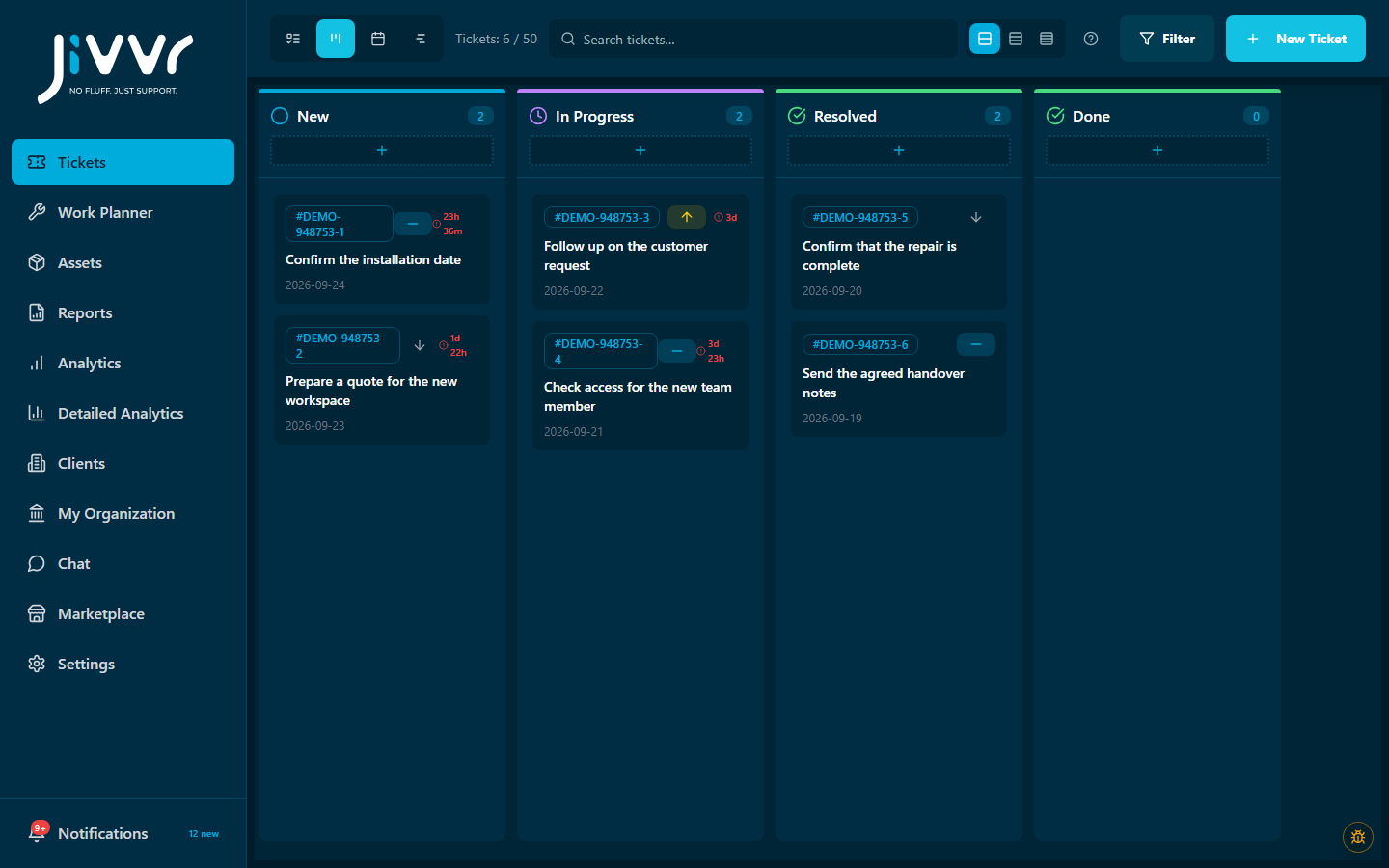
Connect the equipment
Keep equipment records close to the support work. Give the next repair a little more context.
Asset Management · paid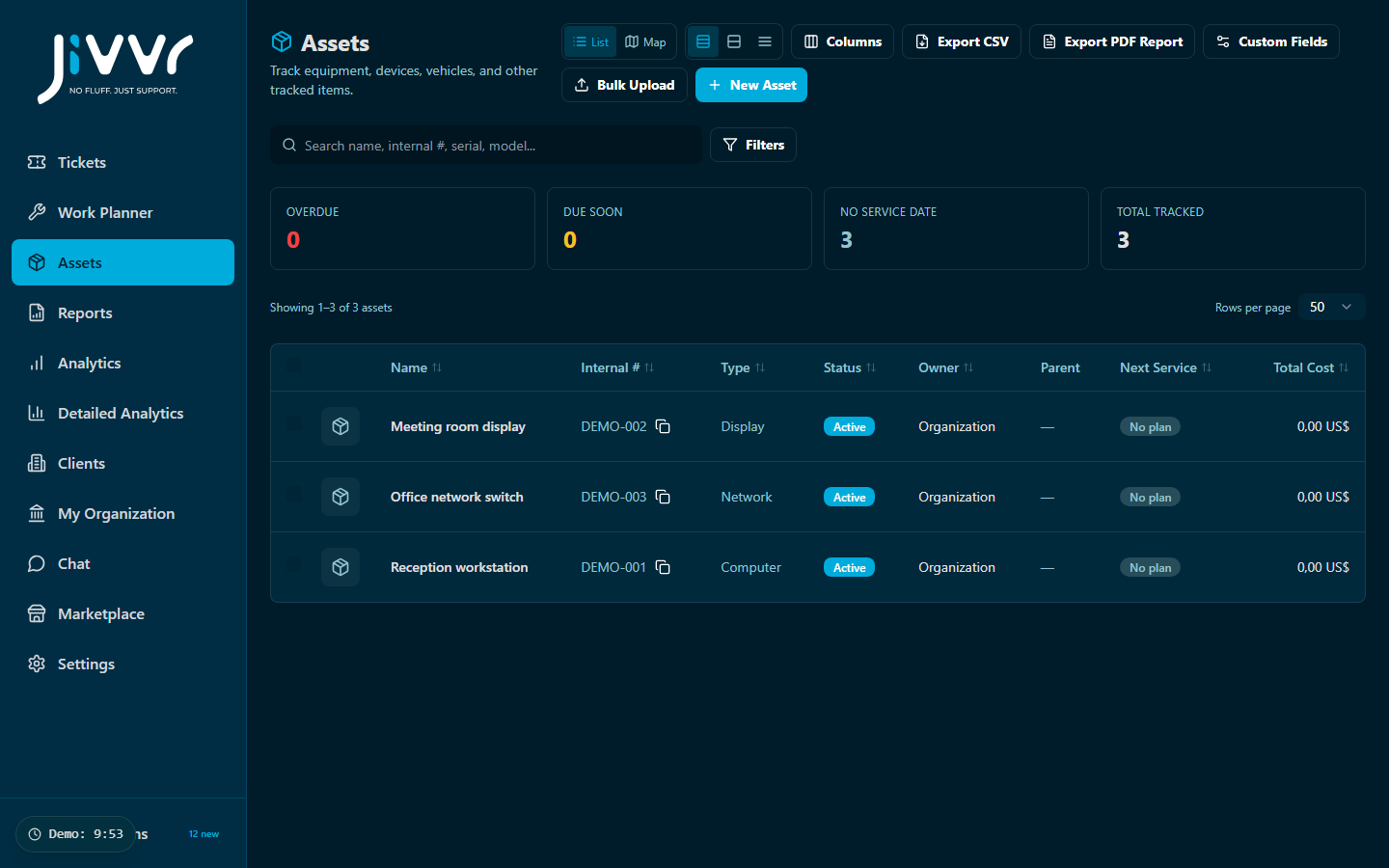
Make room for the visit
Put the work into a schedule. A clearer picture of what needs doing, and when.
Work Planner Pro · paid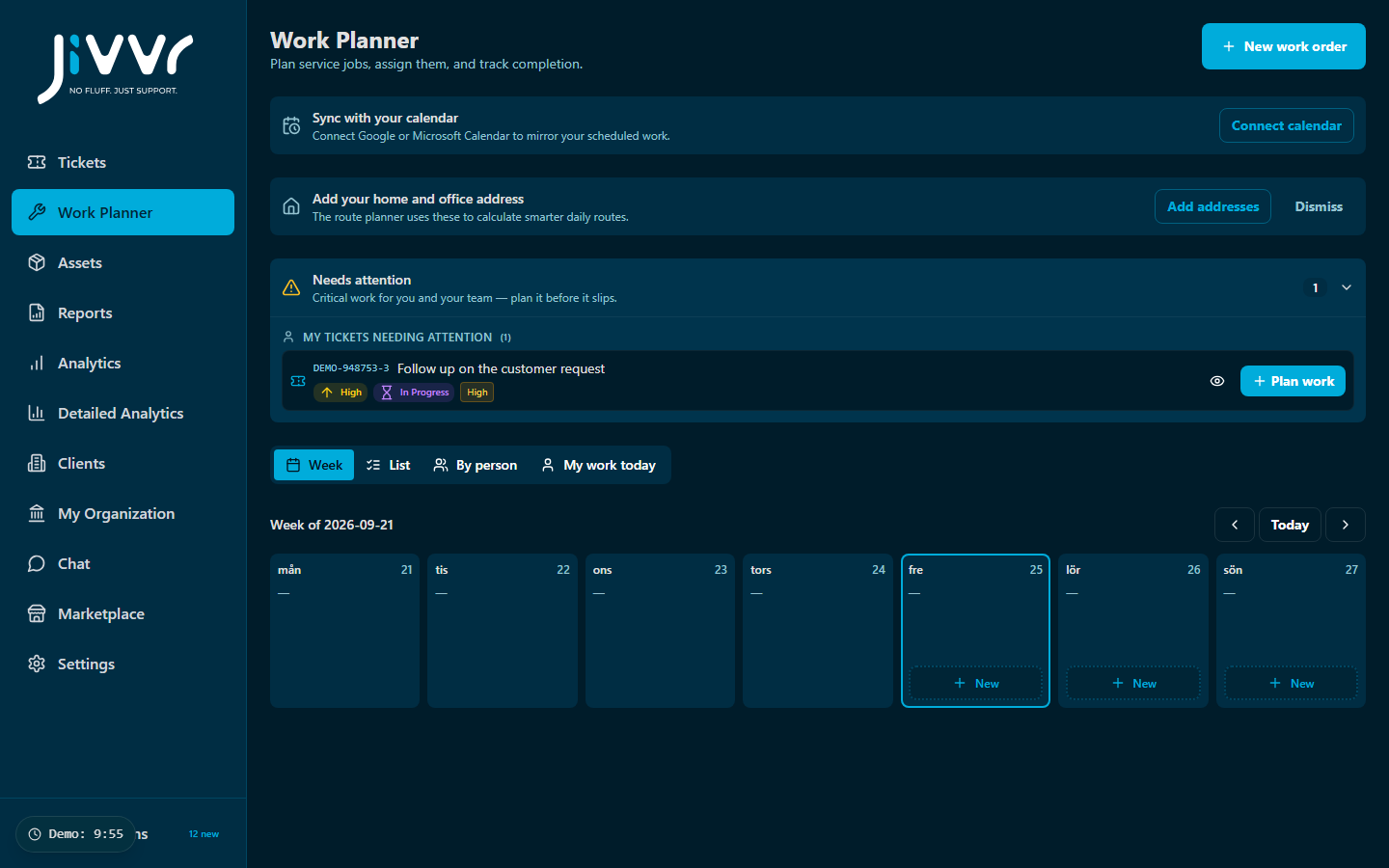
03 / Room to move
Your day moves. Take Jivvr along.
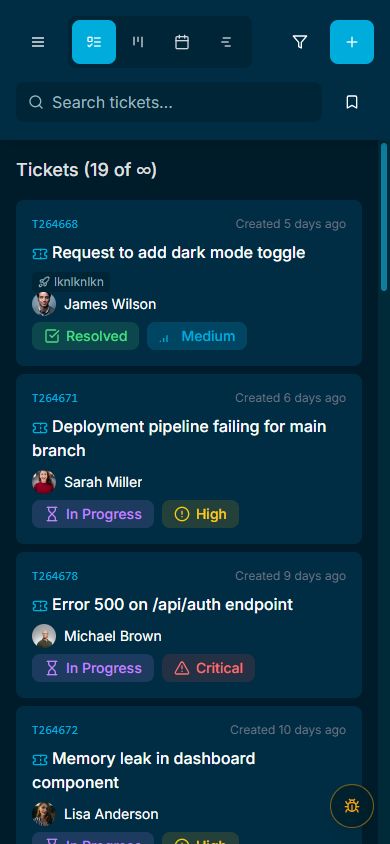
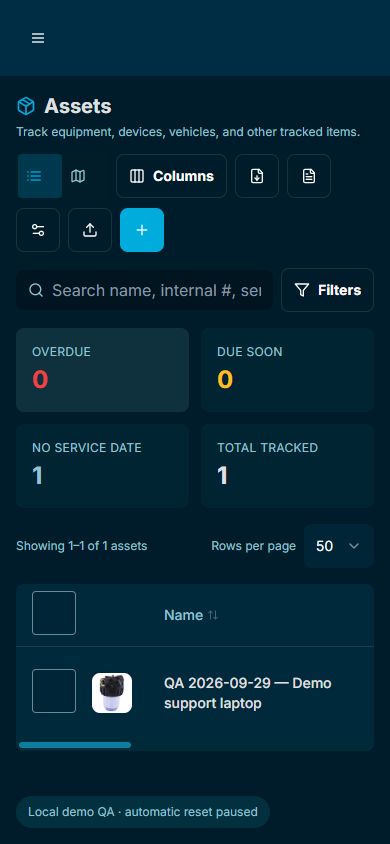
At your desk. Between jobs. Out with the equipment. Keep the details close, on the screen that’s with you.
Tickets
Keep the next request within reach.
Assets
Bring the equipment details along.
04 / A little perspective
Less guesswork. More “got it.”
Step back from the queue. Analytics brings ticket activity into view, so you can see where work is building up and what deserves a closer look.
Explore Analytics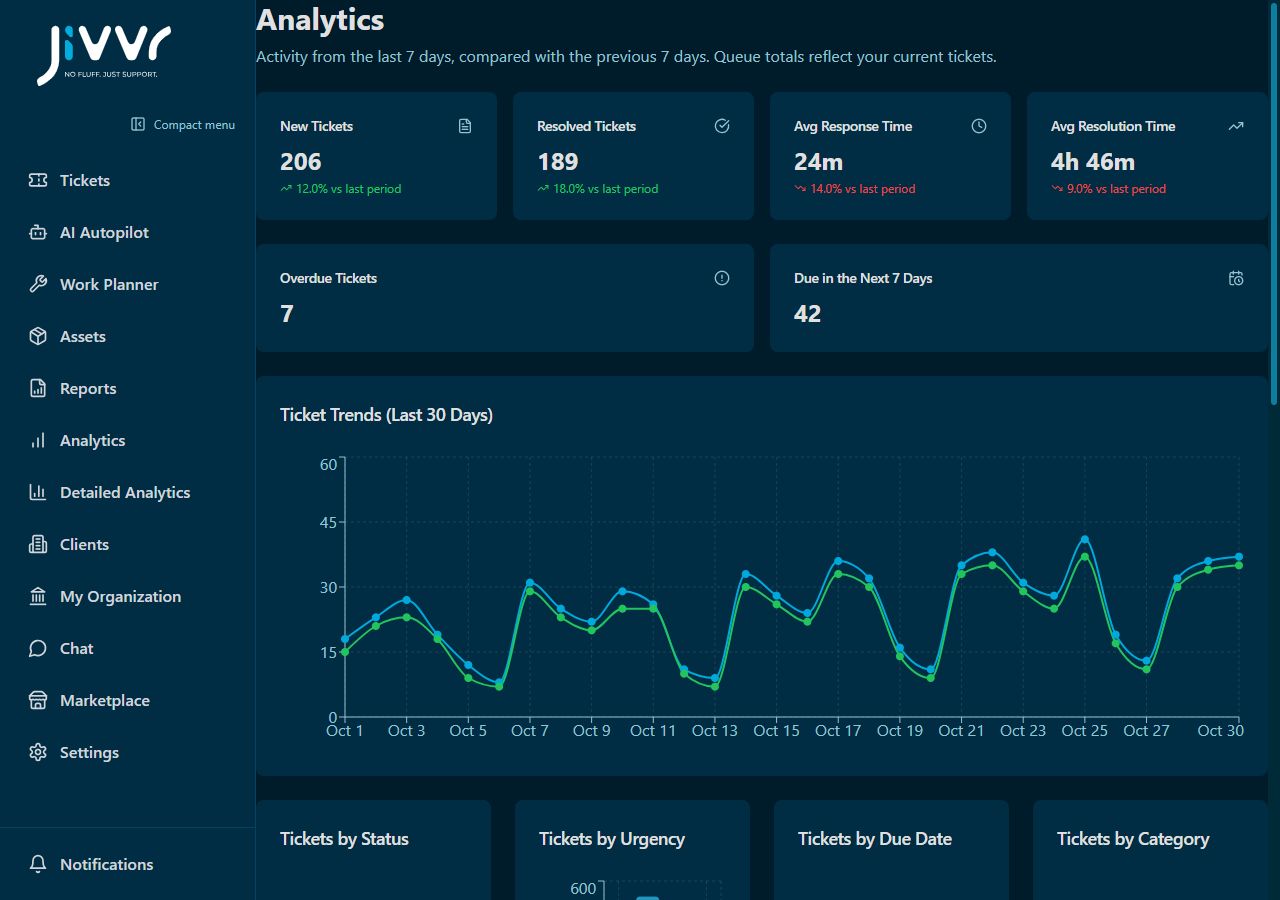
05 / Make it your kind of useful
No need to go all in. Just add what helps.
Begin with the free ticket core. Pick the next capability for the job you actually need to do.
Find my first add-onA view that clicks.
See your tickets from a fresh angle.
Board Views PackGive equipment a memory.
Keep track of assets and their details.
Asset ManagementMake time for the work.
Bring the next visit into the picture.
Work Planner ProKeep the tools you love
Jivvr fits into your workflow.
Jivvr isn’t trying to replace your email, CRM, or project management tool. It does one thing really well: help you manage customer support tickets. Use it alongside the tools you already love.
CRM
Jivvr
Calendar
Docs
Built for how you work
Simple tools. More room to do your thing.
Simple tools that get out of your way.
Simple to Start
No training needed. Create tickets in seconds with our intuitive interface.
Secure by Design
Your data stays protected with encryption and role-based access.
Works for Teams
Start on your own. Bring in your team. Grow at your own pace.
Smart When You Need It
AI helps when you want it, stays quiet when you don’t.
A few good questions
Quick answers. Less back and forth.
What can I start with for free?
Start with Jivvr’s free ticket core. Optional paid add-ons add capabilities when you need them.
Do I need to buy every add-on?
No. Choose the tools that fit your workflow and review their current price and terms in the marketplace before activating.
Can I use Jivvr on my phone?
Yes. The screenshots on this page show the real responsive platform on a phone.
Where should I start?
Begin with a request. When you know what would make the next one easier, use the add-on finder for a useful starting point.
A little less chasing starts here
Make room for your next “all done.”
Start with a free ticket workspace. Add the first tool that earns its place in your day.
Let’s get things moving Find my first add-on