Know the equipment behind the issue.
Build useful asset records and connect them with support and service history.
Before you begin
Asset Management is an optional add-on. Confirm it is active for the organisation you are using and that your role allows you to manage assets.
Create a useful record
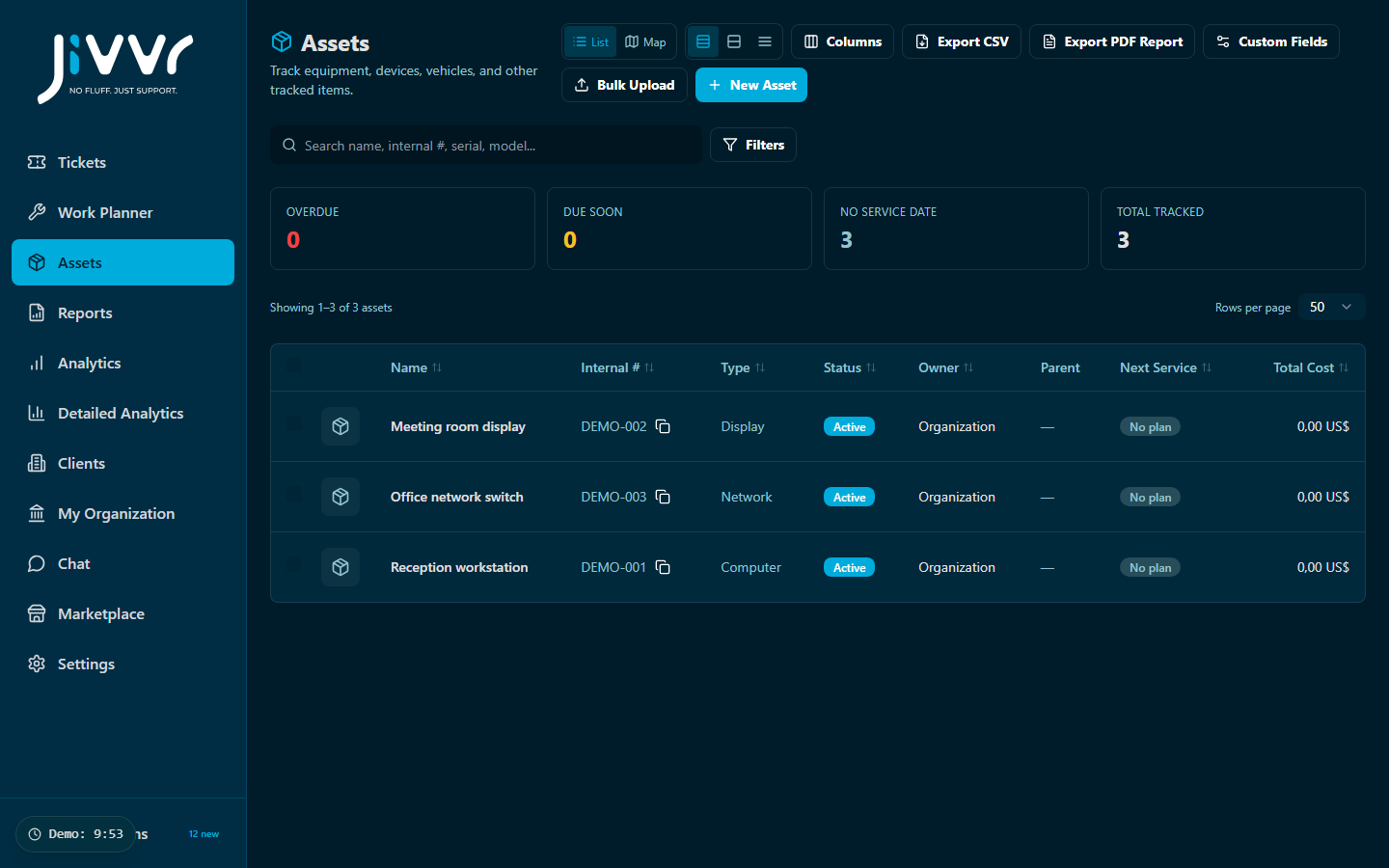
Open Assets and start with one item. Add a recognisable name, identifying information and the details your team needs to distinguish it from similar equipment. Keep unnecessary personal information out of asset records.
Connect the work
Link relevant tickets to the asset using the available ticket and asset controls. Review the existing history before starting another repair or visit. Use consistent names so colleagues can find the right item.
Keep records useful
Update the record when equipment changes location, ownership or service condition. Review records periodically and check the information before exporting or sharing an asset report.