Product tour / JIVVR GUIDES
Take a real look around.
Explore actual platform screens, with a guide to what each view is useful for.
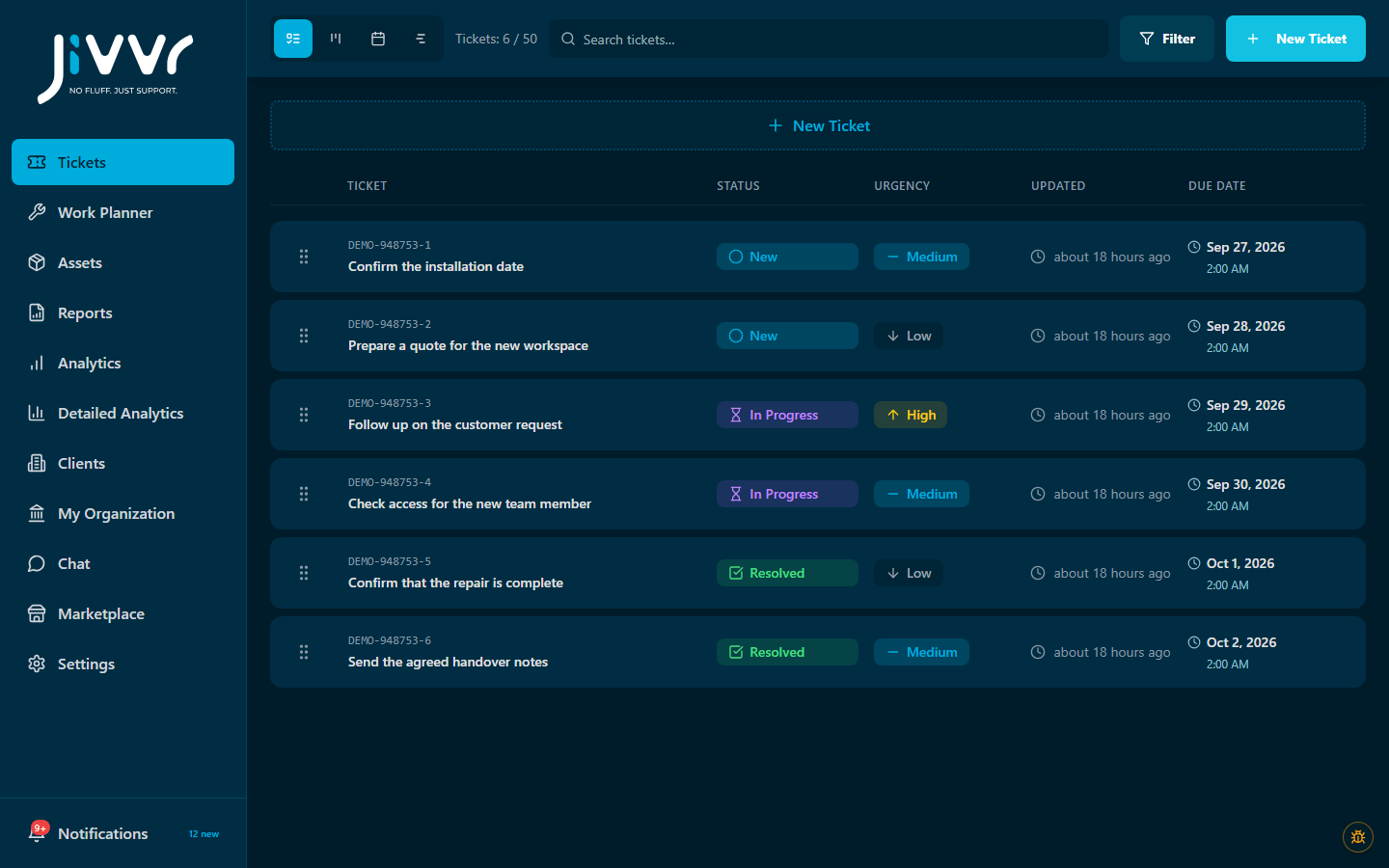 Free ticket core · demonstration records
Status, urgency and ownership. Keep the next step beside the request.
Explore ticketsChoose a view to explore
These are real platform screenshots with example data. Select a view below, then follow its guide to try the workflow in your own workspace.
Try one workflow first
Create a ticket, choose its owner and update its status. Once that feels familiar, decide whether another view, equipment context or planning would help.