Add-on guides / JIVVR GUIDES
Make room for the next job.
Connect the request with the time and people needed to complete it.
Check your workspace
Work Planner Pro is an optional add-on. Confirm it is active and that your role gives you access to Work Planner.
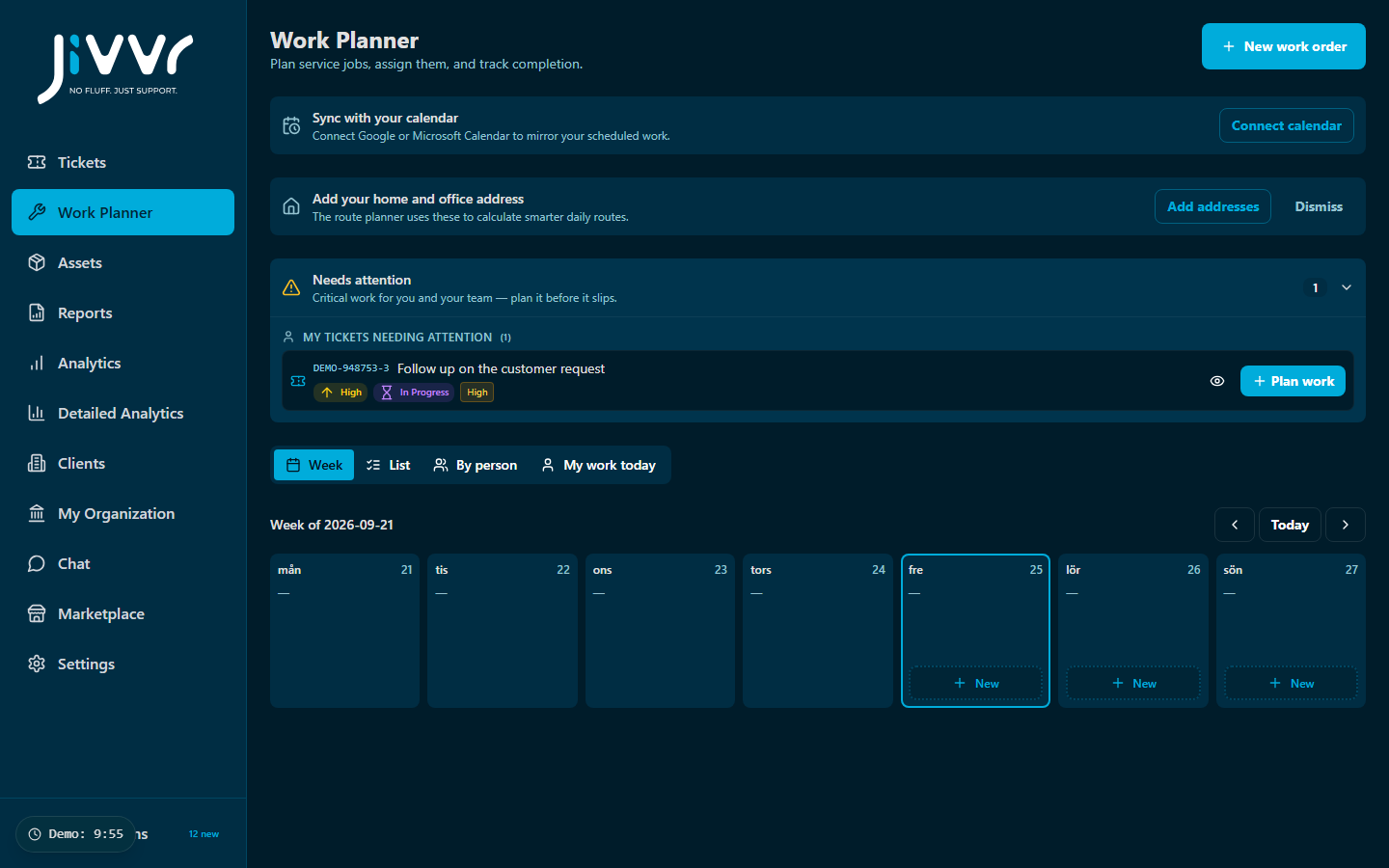
Plan around the real work
Start from the ticket or job that needs scheduling. Include enough context for the person doing the work, and review the people and time needed before adding it to the schedule.
- Identify the work and its location or equipment context.
- Choose an appropriate date and time.
- Assign the people who will carry out the work.
- Check for conflicts and communicate the plan.
Keep changes connected
When a visit changes, update the schedule and the related request. Use the ticket for the work record and keep its status current when the job is complete.
If planning is unavailable
Check the selected organisation, add-on activation and your permissions. If those look correct, contact support with the page, the expected result and the issue you see.